What Is a Good Typing Speed? Average WPM Explained
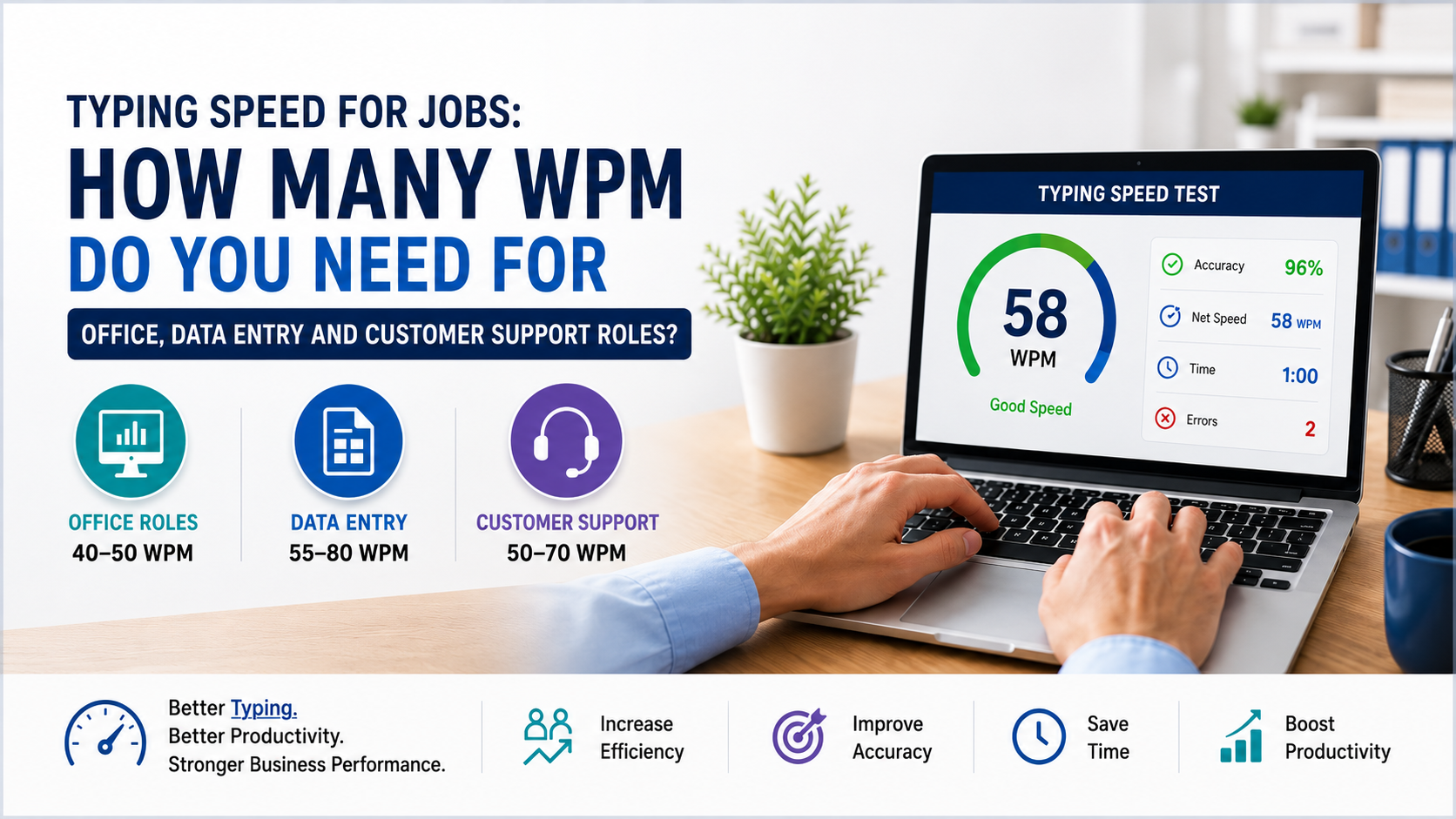
A good typing speed depends on the person’s role, age, experience, and daily computer usage. For general office work, 40–50 WPM is usually acceptable. For roles that require constant documentation, customer communication, or data processing, 60–75 WPM is stronger.
Typing Pal notes that average typing speed is around 40 WPM and suggests that people aiming for higher productivity should target 65–70 WPM.
For businesses, speed alone is not enough. Accuracy matters just as much. A person typing 75 WPM with frequent mistakes may create more work than someone typing 55 WPM with high accuracy. The real goal should be fast, accurate, and consistent typing.
Average WPM by Age
Typing speed normally improves with practice, exposure to computers, and regular keyboard use. Younger learners may start slow, while adults who work on computers daily often develop better speed and accuracy.
Common Age-Based Typing Benchmarks
Children aged 6–11 may type around 15–25 WPM as they are still developing keyboard familiarity. Typing.com suggests that beginners aged 6–11 may type about 15 WPM, while beginners aged 12–16 may type around 30 WPM.
Teenagers often reach 30–50 WPM, especially if they use computers regularly for school, gaming, communication, or assignments.
Adults usually average around 40 WPM, but office workers, writers, developers, support agents, and administrative staff can often reach 50–75 WPM with regular practice.
Professionals who type daily may exceed 75 WPM, especially when their work involves documentation, coding, transcription, reporting, or customer communication.
Good Typing Speed by Job Role
Different job roles require different typing benchmarks. A good typing speed for a business owner may be different from what is expected from a data entry operator or customer support agent.
Business Owners and Entrepreneurs
A good typing speed for business owners is around 40–60 WPM. They may not need professional-level typing speed, but faster typing helps them respond to emails, prepare proposals, review documents, and communicate with teams more efficiently.
Customer Support Teams
For chat support, email support, and helpdesk teams, 50–70 WPM is a strong benchmark. Faster typing allows support agents to respond quickly, reduce waiting time, and improve customer satisfaction.
Data Entry Operators
Data entry roles usually require higher speed and accuracy. A practical benchmark is 60–80 WPM with strong accuracy. Mistakes in data entry can affect billing, inventory, reporting, customer records, and compliance.
Developers and IT Managers
Developers may not type continuously like data entry staff, but they need efficient keyboard use for coding, documentation, tickets, and system commands. A good typing speed for developers is usually 50–70 WPM, supported by accuracy and familiarity with shortcuts.
Operations and Admin Teams
Operations managers, HR teams, finance teams, and admin staff benefit from 45–65 WPM. Faster typing helps with reports, spreadsheets, internal communication, CRM records, and daily documentation.
Typing Speed Benchmarks by Skill Level
Beginner Level
A beginner usually types between 20–35 WPM. This level is common for people who do not use keyboards regularly or rely on the “hunt and peck” method.
Average Level
An average typing speed is around 40 WPM. This is acceptable for general computer use, emails, and basic office tasks.
Good Level
A good typing speed is usually 50–65 WPM with strong accuracy. This level supports most business and professional tasks.
Advanced Level
Advanced users often type between 70–90 WPM. This is useful for support agents, writers, virtual assistants, documentation teams, and high-volume administrative roles.
Expert Level
Expert typists may exceed 90 WPM. However, businesses should measure accuracy, consistency, and task quality instead of speed alone.
Business Benefits of Improving Typing Speed
Better typing speed creates measurable business value. Even small improvements can save hours across a team.
Higher Productivity
If employees type faster, they complete emails, reports, CRM updates, and documentation more quickly. Across a team of 20 or 50 employees, this can translate into significant monthly time savings.
Faster Customer Response
Support teams with better typing speed can handle more customer queries in less time. This improves response time, customer experience, and operational efficiency.
Better Data Handling
Accurate and fast typing reduces delays in data entry, billing, inventory management, lead tracking, and customer records.
Lower Operational Costs
When employees complete repetitive digital tasks faster, businesses reduce wasted time and improve output without immediately increasing headcount.
Improved Digital Readiness
Typing speed is a basic digital skill. Companies investing in digital transformation need teams that can work comfortably with software, CRMs, ERPs, dashboards, cloud platforms, and collaboration tools.
How Technology Can Help Businesses Improve Typing Productivity
Typing speed is only one part of workplace efficiency. Modern technology can reduce manual typing, automate repetitive tasks, and help teams work smarter.
Typing Speed Test Tools
A platform like TypingSpeedCheck.com can help individuals and teams measure WPM, accuracy, and progress. Businesses can use typing tests during training, onboarding, or productivity improvement programs.
CRM and ERP Systems
CRM systems reduce repetitive customer data entry by organizing leads, communication history, sales pipelines, and follow-ups in one place. ERP systems help manage finance, inventory, HR, procurement, and operations through centralized workflows.
AI and Automation
AI tools can summarize emails, generate reports, create meeting notes, assist customer support agents, and reduce repetitive writing tasks. Automation can move data between systems, send reminders, update records, and trigger workflows without manual effort.
Custom Web and Mobile Applications
Businesses often rely on spreadsheets and manual processes for daily operations. Custom web applications or mobile apps can replace slow workflows with structured forms, dashboards, approvals, notifications, and analytics.
Cloud-Based Collaboration
Cloud platforms allow teams to access documents, reports, and business systems from anywhere. This improves speed, transparency, and decision-making.
Why Businesses Choose Modern Digital Solutions
Modern businesses need speed, accuracy, visibility, and scalability. Manual work slows teams down, creates errors, and makes reporting difficult.
Digital solutions help businesses standardize processes, reduce dependency on individuals, improve data quality, and make better decisions. Whether it is a CRM, ERP, AI chatbot, automation workflow, SaaS platform, or custom business application, the right technology can improve both daily productivity and long-term growth.
Oxmite helps businesses identify operational gaps and build practical technology solutions that improve efficiency. Instead of offering generic software, Oxmite focuses on business goals, process improvement, automation, scalability, and measurable results.
Final Thoughts
A good typing speed is not the same for everyone. For most people, an average WPM of around 40 is normal. For professional and business environments, 50–70 WPM with strong accuracy is a better target. For high-volume roles such as data entry, customer support, and documentation, higher speed can directly improve productivity and service quality.
However, businesses should not rely only on typing speed. The bigger opportunity is to combine skilled teams with modern digital tools, automation, AI, CRM systems, ERP platforms, and custom software solutions.