How to Improve Typing Speed: A Practical 30-Day Plan to Reach 60 WPM
Typing is one of the most frequently used digital skills in modern workplaces. Employees use keyboards to write emails, prepare reports, update CRM systems, communicate with customers, enter data, create documents, and manage business applications.
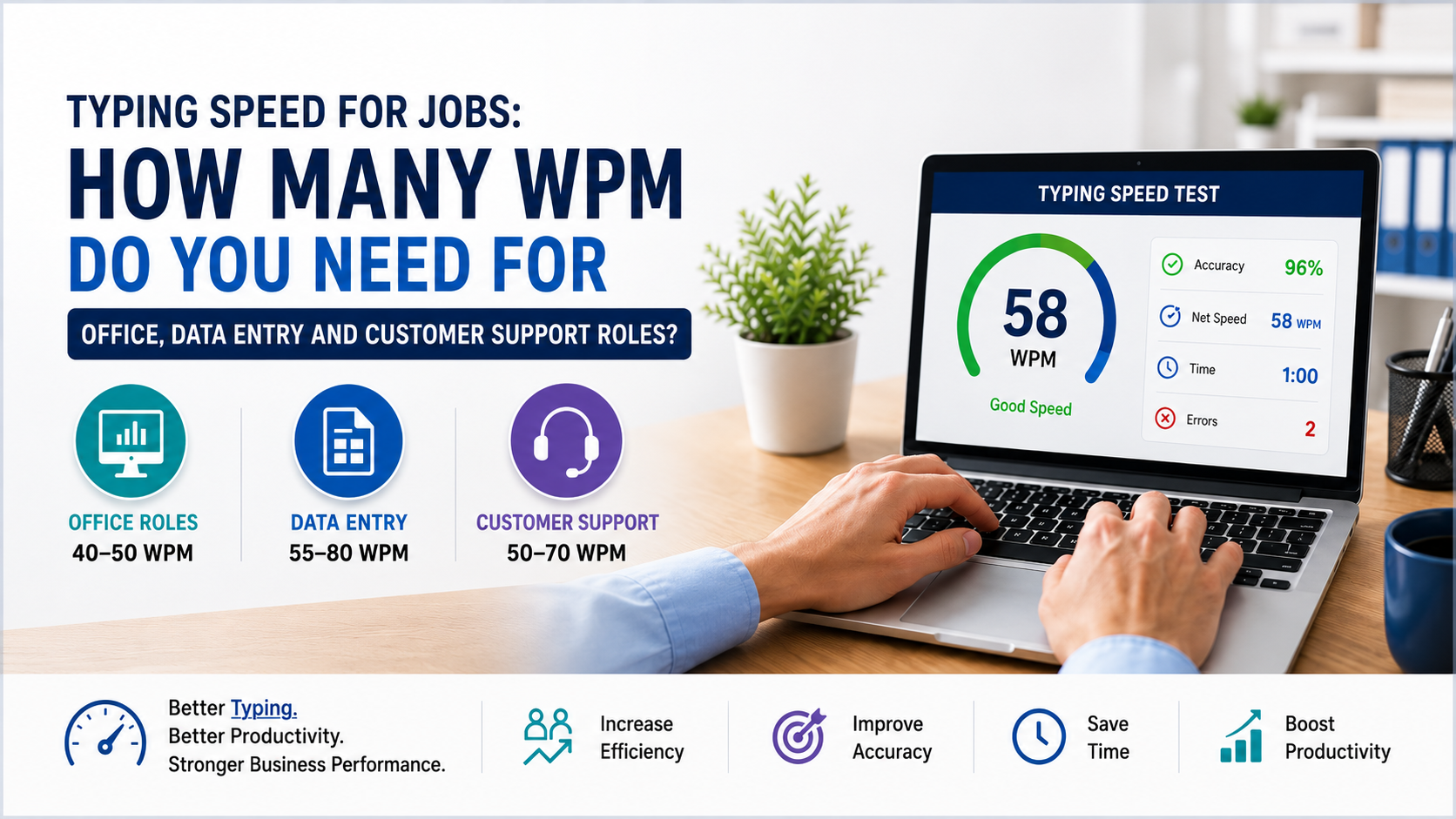
Learning **how to improve typing speed** can produce meaningful productivity gains. A person who types accurately at 60 words per minute can complete many writing-based tasks faster than someone typing at 25 or 30 WPM.
The average typing speed is commonly estimated at around 40 WPM, although performance varies depending on typing technique and experience. People using only two fingers may average approximately 27 WPM, demonstrating why proper touch-typing technique matters.
Reaching 60 WPM in 30 days is an ambitious but achievable target for many people who already type between 30 and 45 WPM. Complete beginners may need longer, but following this practical plan should still produce noticeable improvements in speed, accuracy, and confidence.
Before You Begin: Measure Your Current Typing Speed
Your first step is to establish a baseline.
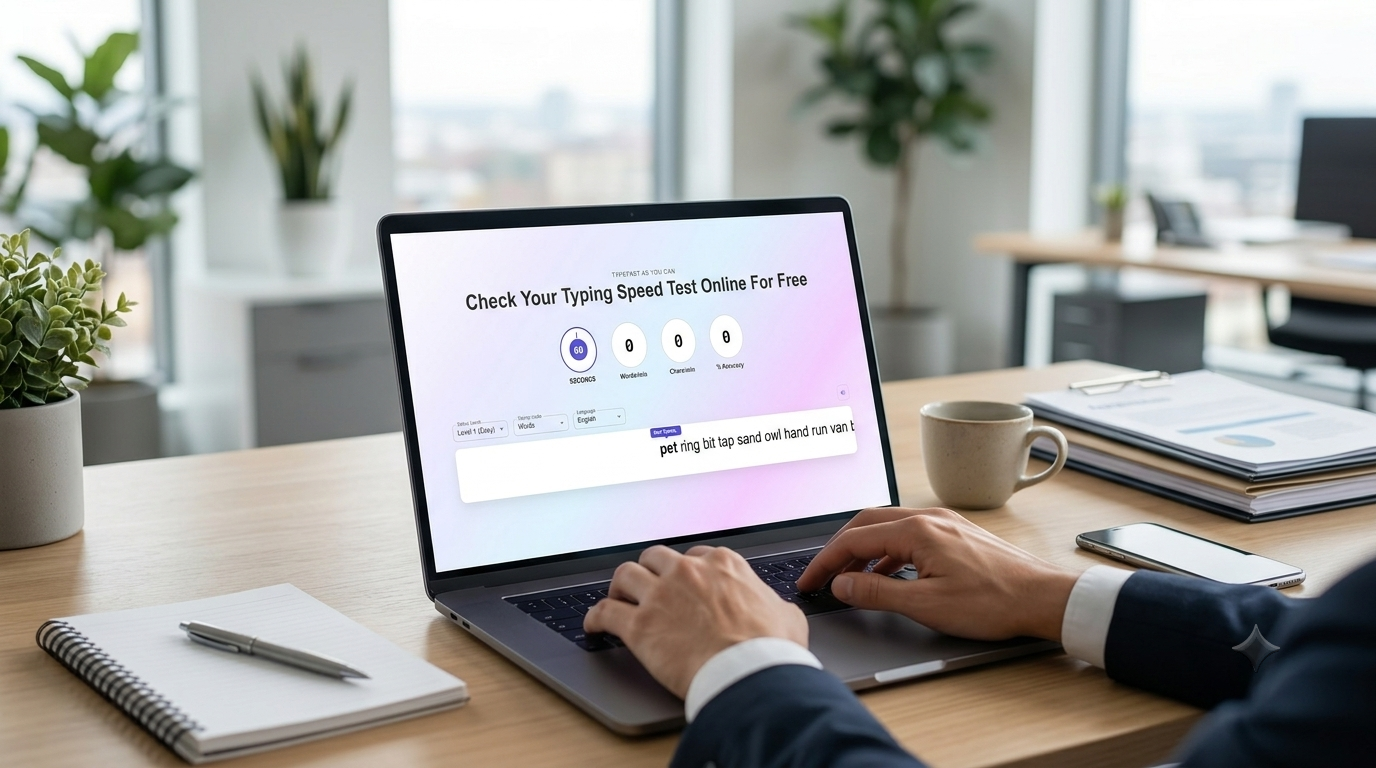
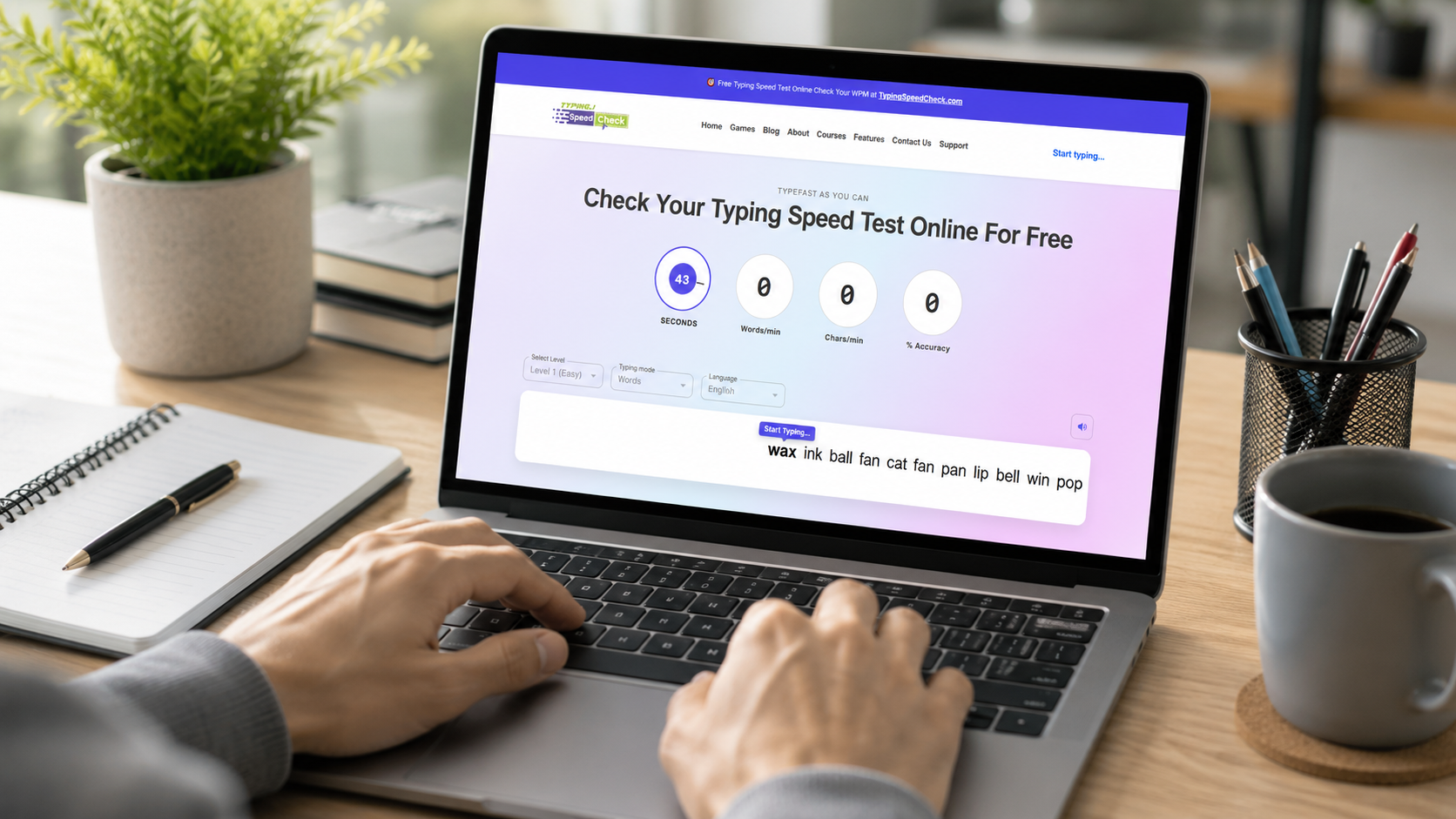
Take a one-minute typing test on **TypingSpeedCheck.com** and record the following:
- Gross typing speed
- Accurate WPM
- Accuracy percentage
- Number of errors
- Letters or words that cause difficulty
One-minute tests are useful for quick daily checks, while three- or five-minute tests provide a better picture of sustained performance.
Avoid taking several tests until you receive a score you like. Your starting score should reflect your normal performance because it will help you measure genuine progress.
Set a Realistic 30-Day Target
Use your baseline to set an appropriate goal:
- Below 20 WPM: Target 30–40 WPM
- 20–30 WPM: Target 40–50 WPM
- 30–40 WPM: Target 50–60 WPM
- 40–50 WPM: Target 60 WPM or higher
- Above 50 WPM: Focus on consistency and accuracy
Speed improvements differ from person to person. Keyboard familiarity, existing technique, daily practice time, hand positioning, and accuracy all affect progress.
How to Improve Typing Speed Without Losing Accuracy
Many learners make the mistake of typing as quickly as possible from the first day. This usually increases errors and develops poor habits.
Typing speed should be built on accuracy.
Aim for at least **95% accuracy** during practice. Once you can type a passage accurately and comfortably, gradually increase your pace.
Use Proper Finger Placement
Place your fingers on the home row:
- Left hand: A, S, D and F
- Right hand: J, K, L and semicolon
- Thumbs: Space bar
The raised marks on the F and J keys help you return to the correct position without looking at the keyboard.
Each finger should be responsible for a defined group of keys. This technique reduces unnecessary hand movement and helps develop muscle memory.
Stop Looking at the Keyboard
Looking at the keyboard slows down the development of touch typing. It may feel difficult initially, but your brain and fingers need time to learn each key’s location.
Keep your eyes on the screen. When you make an error, correct it calmly and continue.
Structured touch-typing courses, tests, videos, and practice activities can help learners build keyboard familiarity.
Maintain a Comfortable Posture
Poor posture can reduce speed and cause discomfort.
Follow these posture guidelines:
- Keep your feet resting flat on the floor.
- Keep your shoulders relaxed.
- Bend your elbows at approximately 90 degrees.
- Keep your wrists in a neutral position.
- Position the keyboard directly in front of you.
- Keep the screen at a comfortable viewing height.
Avoid pressing the keys too hard. Use light, controlled keystrokes.
The Practical 30-Day Typing Plan
Practice for approximately **20–30 minutes daily**. Short and consistent sessions are generally more useful than occasional long sessions.
Week 1: Build Accuracy and Proper Technique
**Goal:** Learn correct finger movement and achieve consistent accuracy.
Days 1–2: Establish Your Baseline
Take a three-minute typing test and save your WPM and accuracy results.
Spend 15 minutes practising the home-row keys. Focus on correct finger placement rather than speed.
Days 3–4: Practise the Top and Bottom Rows
Add the top-row letters, followed by the bottom row. Practise simple words containing keys from all three rows.
Do not look at the keyboard, even when your speed temporarily decreases.
Days 5–6: Work on Difficult Keys
Identify letters and combinations that generate the most errors.
Common difficulties include:
- Q, Z, X and P
- B and V
- E and I
- Capital letters
- Punctuation marks
Spend extra time on these weak areas.
Day 7: Weekly Test
Take a three-minute typing test. Compare the result with your original baseline.
Focus on whether your accuracy and typing rhythm have improved, not only your WPM.
Week 2: Develop Rhythm and Muscle Memory
**Goal:** Type complete words and sentences smoothly.
Days 8–10: Practise Common Words
Practise frequently used English words such as:
- the
- and
- business
- customer
- information
- technology
- management
- system
Common-word practice helps your fingers recognise complete patterns instead of typing every letter as a separate action.
Days 11–12: Practise Sentences
Move from individual words to complete sentences. Maintain a steady rhythm and avoid sudden bursts of speed.
Read one or two words ahead while typing. This helps your hands continue moving without unnecessary pauses.
Days 13–14: Introduce Timed Sessions
Complete three one-minute typing tests, resting briefly between each test.
Calculate your average rather than selecting only the highest score. Your average performance provides a more reliable measure of progress.
Week 3: Increase Typing Speed
**Goal:** Push beyond your comfortable pace while maintaining control.
Days 15–17: Use Speed Drills
Complete short speed drills lasting 30–60 seconds. Type slightly faster than your normal pace, but stop if accuracy falls significantly.
After each speed drill, complete a slower accuracy exercise.
Days 18–19: Practise Real Business Content
Type realistic workplace material, including:
- Emails
- Customer support responses
- Product descriptions
- Meeting notes
- Business reports
- CRM updates
Real-world practice prepares you to apply your improved typing speed in professional situations.
Days 20–21: Review Weaknesses
Check which keys, words, punctuation marks, or capital-letter combinations are still slowing you down.
Create targeted practice sessions around those weaknesses.
Week 4: Build Consistency and Reach 60 WPM
**Goal:** Sustain a faster speed during realistic typing tasks.
Days 22–24: Complete Longer Tests
Take three- and five-minute tests. Longer tests measure whether you can maintain speed without becoming tired or losing accuracy.
A single fast one-minute result is useful, but sustained performance is more relevant for professional work.
Days 25–26: Practise Numbers and Punctuation
Business typing often includes:
- Dates
- Prices
- Percentages
- Email addresses
- Phone numbers
- Currency symbols
- Commas and quotation marks
Practise these elements so your performance remains strong outside simple lowercase text.
Days 27–28: Simulate Workplace Tasks
Set a timer and complete a realistic assignment, such as drafting an email, transcribing meeting notes, or entering mock customer information.
Measure both completion time and errors.
Day 29: Light Practice
Complete a relaxed 15-minute practice session. Focus on rhythm, comfort, and accuracy instead of trying to break your record.
Day 30: Final Typing Test
Take a five-minute test under the same conditions as your initial test.
Compare the following:
- Starting WPM
- Final WPM
- Starting accuracy
- Final accuracy
- Error count
- Ability to maintain speed
Even when you do not reach exactly 60 WPM, an improvement of 10–20 WPM within one month can create valuable time savings.
Common Mistakes That Prevent Faster Typing
Practising Speed Without Accuracy
Repeatedly typing incorrectly trains your fingers to repeat those mistakes. Slow down whenever your accuracy drops below your target.
Using Only Two Fingers
The hunt-and-peck method limits speed because every key must be visually located. Learning touch typing may initially reduce your WPM, but it creates greater long-term potential.
Practising Inconsistently
One long session each week is less effective than practising for 20 minutes every day. Muscle memory requires repetition.
Taking Only Easy Tests
Practise different types of content. Include punctuation, capital letters, numbers, long words, and realistic business documents.
Comparing Yourself With Expert Typists
Your goal should be measurable personal improvement. Compare your current results with your previous performance rather than with extreme typing records.
Business Benefits of Improving Typing Speed
Better typing performance can produce measurable advantages across a workforce.
Increased Employee Productivity
Employees can complete emails, reports, customer records, and documentation faster. Saving even a few minutes per task can add up across departments.
Faster Customer Support
Support agents who type quickly and accurately can respond to more chat and email requests, reducing customer waiting time.
More Accurate Data Entry
Structured typing practice helps employees improve keyboard control and reduce errors in invoices, CRM records, inventory systems, and administrative documents.
Reduced Operational Delays
Faster digital communication helps teams process approvals, share updates, document decisions, and complete routine workflows more efficiently.
Better Employee Confidence
Employees who are comfortable with keyboards can adopt new software, cloud platforms, CRM systems, and digital tools more easily.
How Technology Can Improve Typing and Workplace Efficiency
Typing practice tools allow individuals and businesses to measure WPM and accuracy consistently.
**TypingSpeedCheck.com** can be used for:
- Initial typing assessments
- Daily typing practice
- Regular performance testing
- Employee onboarding
- Staff training
- Progress tracking
- Recruitment assessments
However, improving typing speed is only one way to increase productivity.
Businesses can also reduce unnecessary typing through:
- Automated data entry
- AI-assisted email drafting
- CRM workflow automation
- Digital forms
- Document-generation systems
- Voice-to-text tools
- Customer support chatbots
- ERP integrations
- Custom web and mobile applications
For example, a customer support agent may improve from 40 to 60 WPM, but an AI-assisted support platform can provide suggested answers and automatically retrieve customer information.
The combination of human typing skills and business automation can produce greater productivity benefits.
Why Businesses Choose Modern Digital Solutions
Manual processes are difficult to scale. They consume employee time, increase the possibility of errors, and make business performance harder to monitor.
Modern digital solutions centralise information, automate repetitive work, and provide real-time visibility.
Businesses increasingly use:
- Custom software
- AI-powered tools
- CRM systems
- ERP platforms
- Cloud applications
- Automated workflows
- Web applications
- Mobile applications
These technologies can help businesses improve efficiency, reduce operational costs, increase accuracy, and make better decisions.
Oxmite helps organisations identify repetitive processes and replace them with practical digital solutions.
Its technology services can support custom software development, business automation, AI integration, web applications, mobile apps, CRM platforms, ERP systems, and digital transformation initiatives.
Final Thoughts
Learning **how to improve typing speed** requires more than simply pressing keys faster. Proper finger placement, touch typing, high accuracy, targeted exercises, and consistent daily practice are essential.
A 30-day plan gives you the structure needed to build better habits and work toward 60 WPM.
Measure your starting performance, practise for 20–30 minutes each day, correct your weakest areas, and track your progress through regular typing tests.
For businesses, faster typing can improve productivity, customer service, data processing, and communication.
The greatest results come when capable employees are supported by automation and well-designed digital systems.